Collection 009 / Slide & Archive
Portrait Film Suite
Portrait color, built from real film.
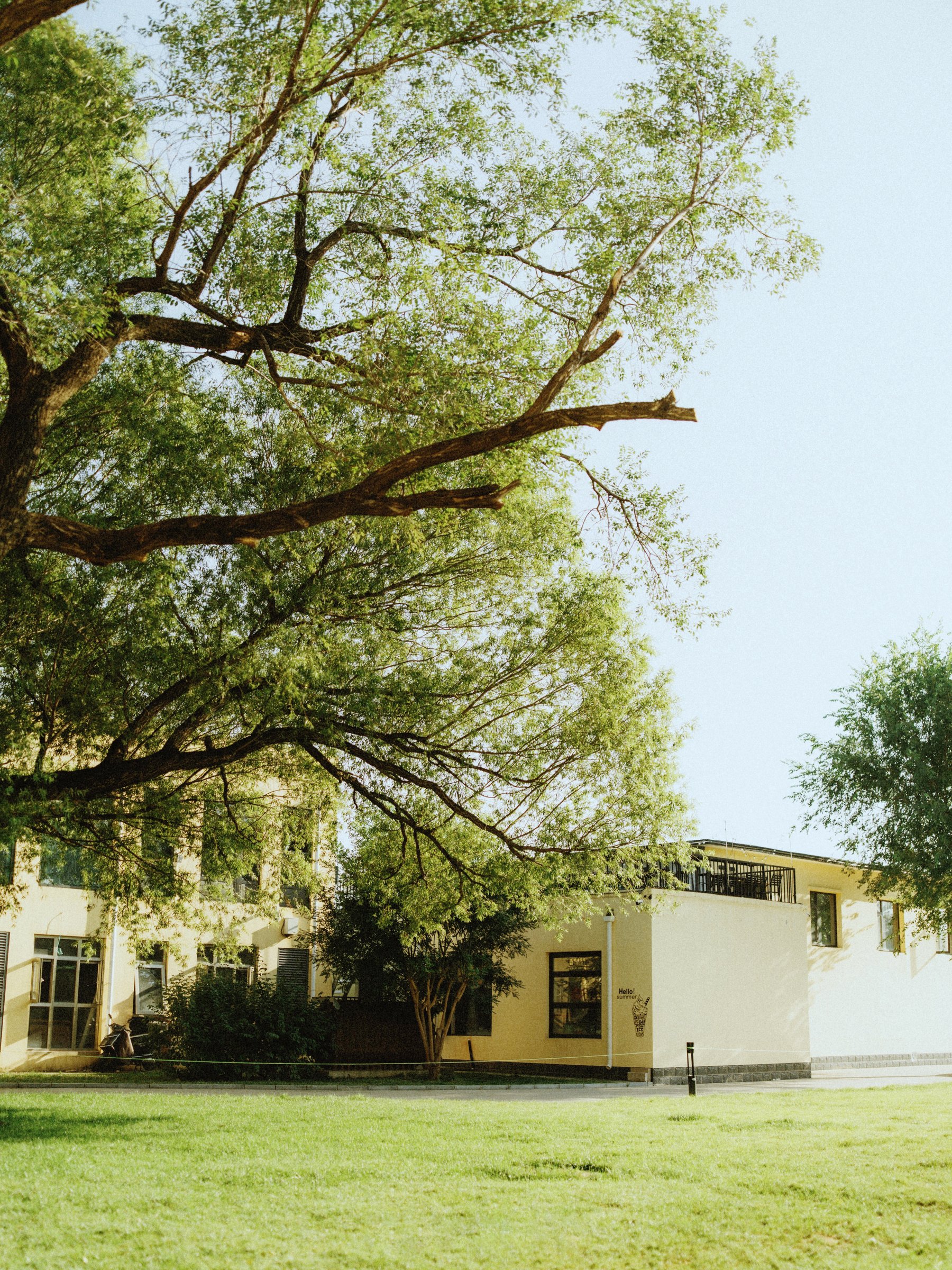
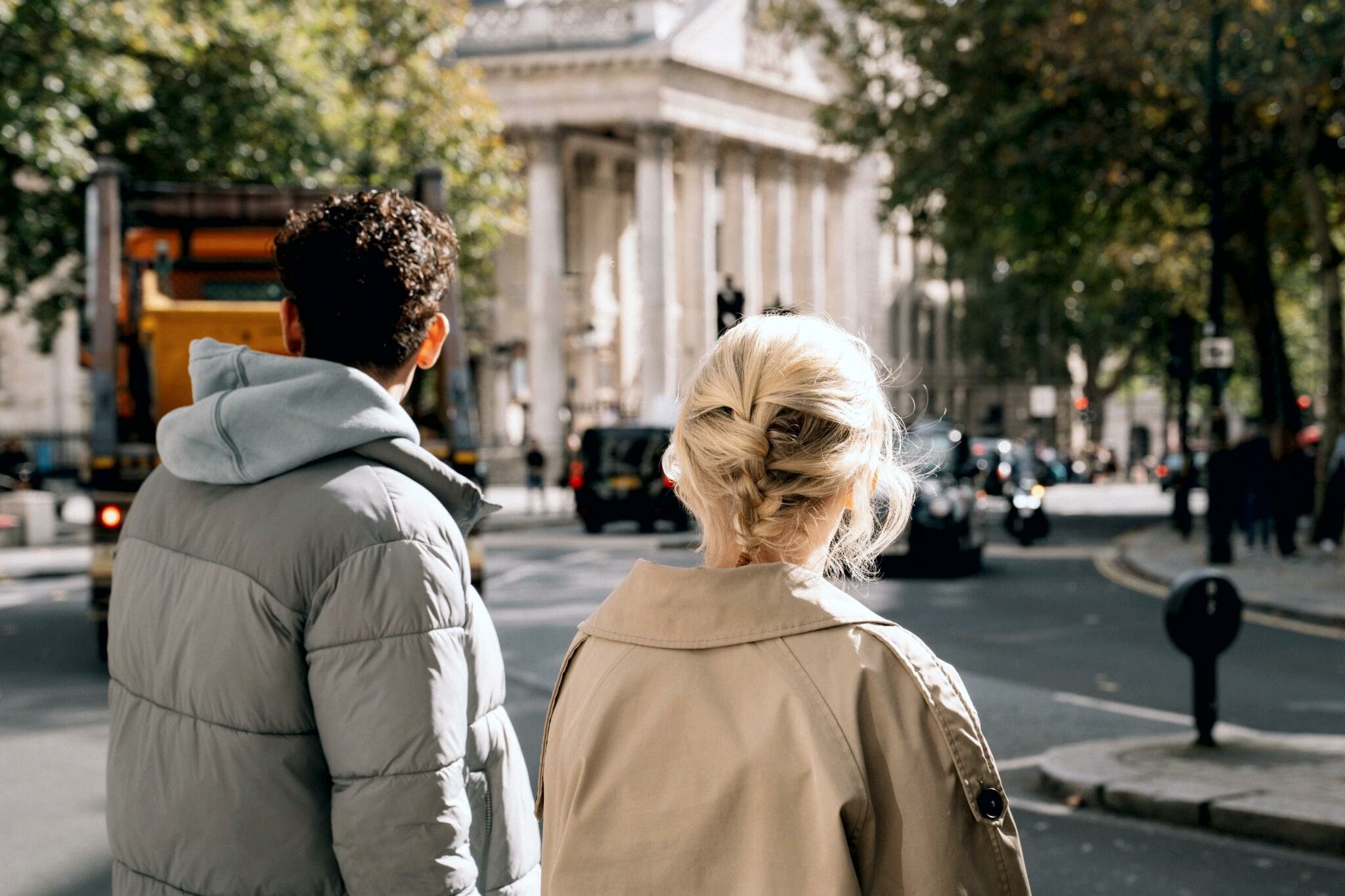
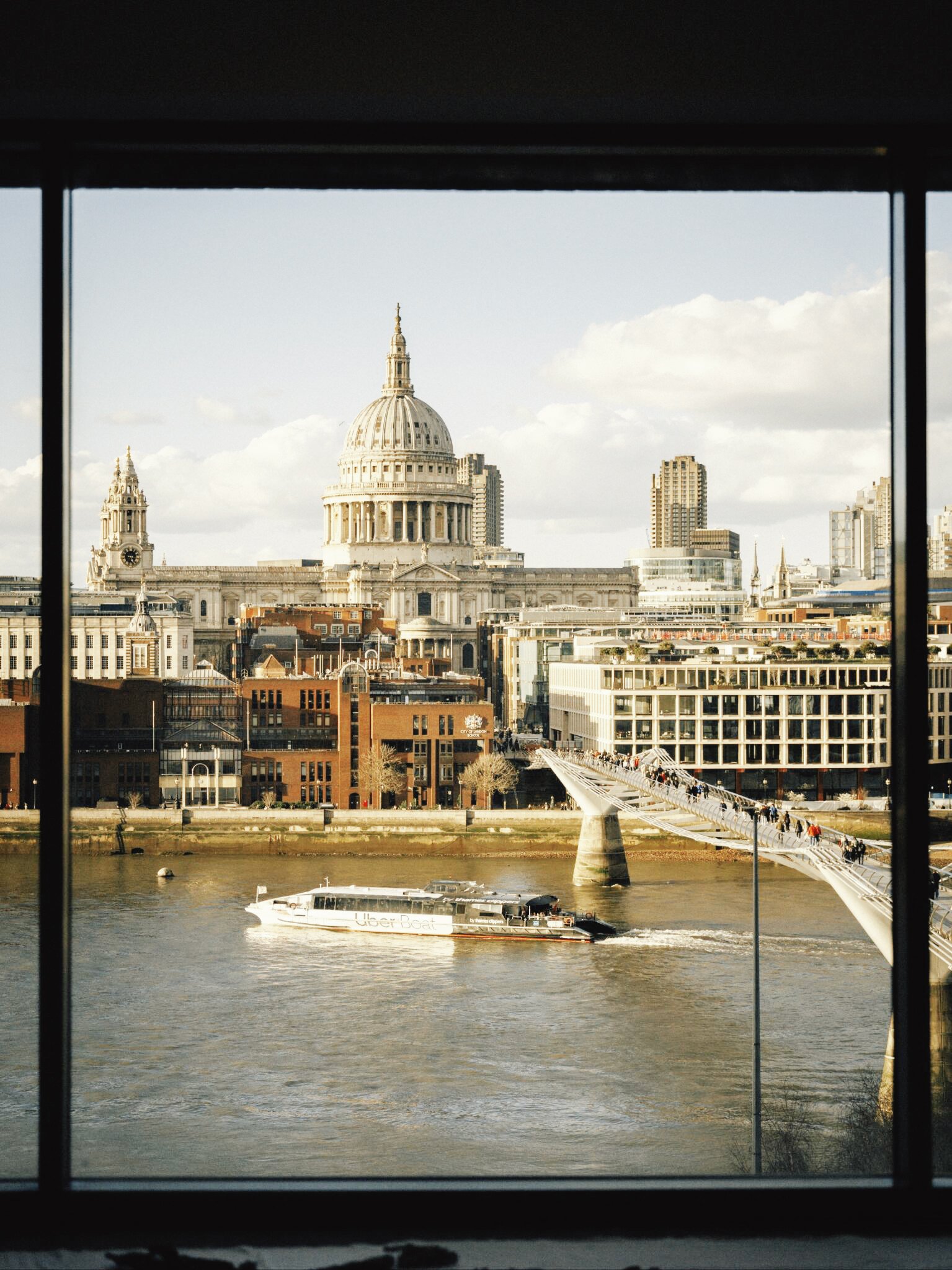
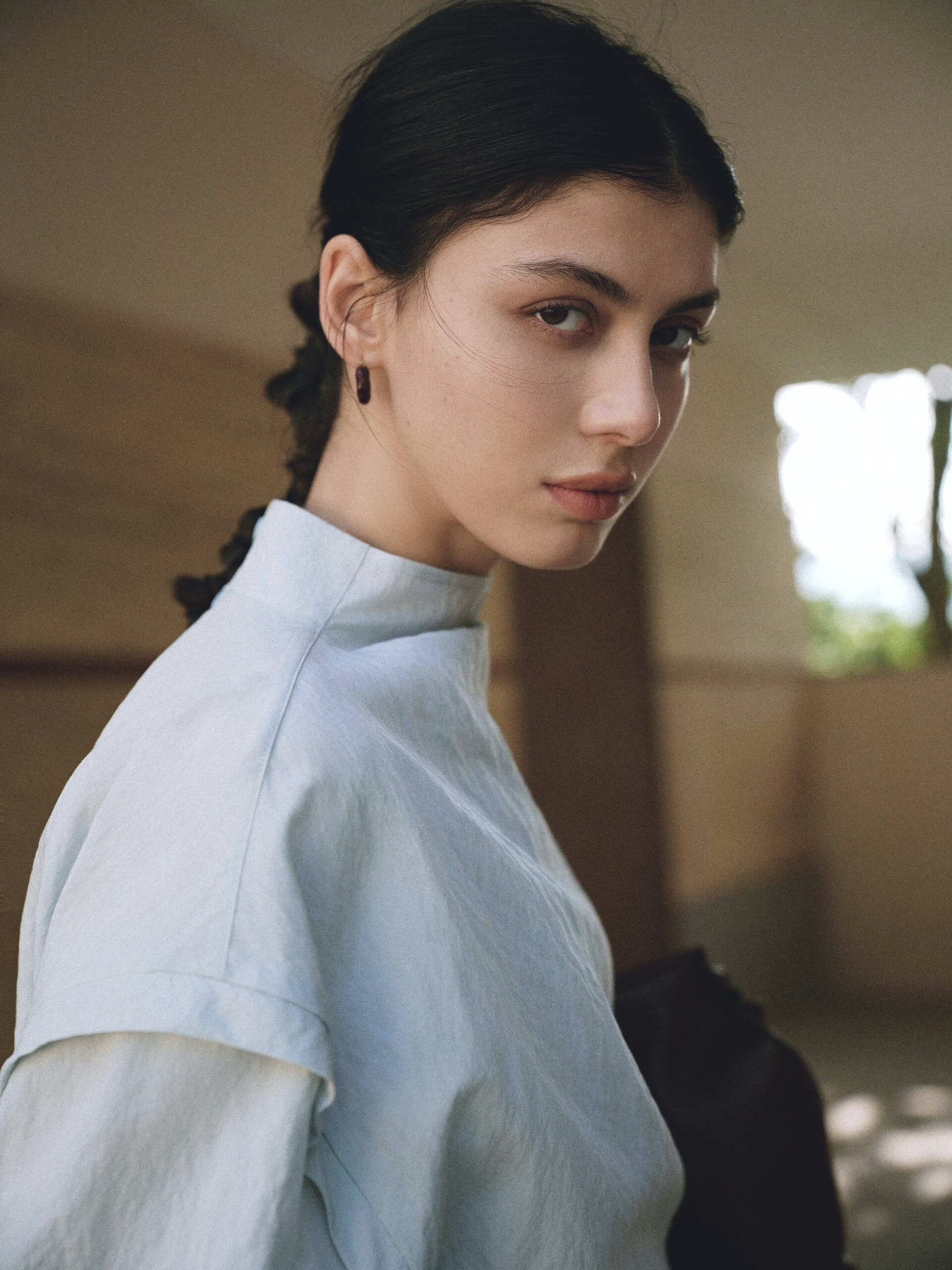
Developed from film shot across a series of commercial portrait sessions, scanned on the Hasselblad Flextight X5, and carefully color-matched by hand. Eleven distinct looks deliver natural skin tones, refined highlights, and rich tonal depth across changing light.
Lightroom edition / one-time purchase$29.80 USD
- 01
Choose Lightroom or Capture One above — both editions are $29.80 USD.
- 02
Review exactly what is included below, before paying anything.
- 03
Complete a secure one-time payment in Paddle Checkout.
- 04
Return to LUMENO COLOR after payment and download the preset ZIP from the order confirmation page.
After payment, return to the LUMENO COLOR order confirmation page to download your ZIP. The PDF in the Paddle email is your receipt, not the preset files. If you close the page, recover your downloads with that receipt number and your checkout email.
Secure one-time checkout by Paddle. Downloads are released only after payment verification.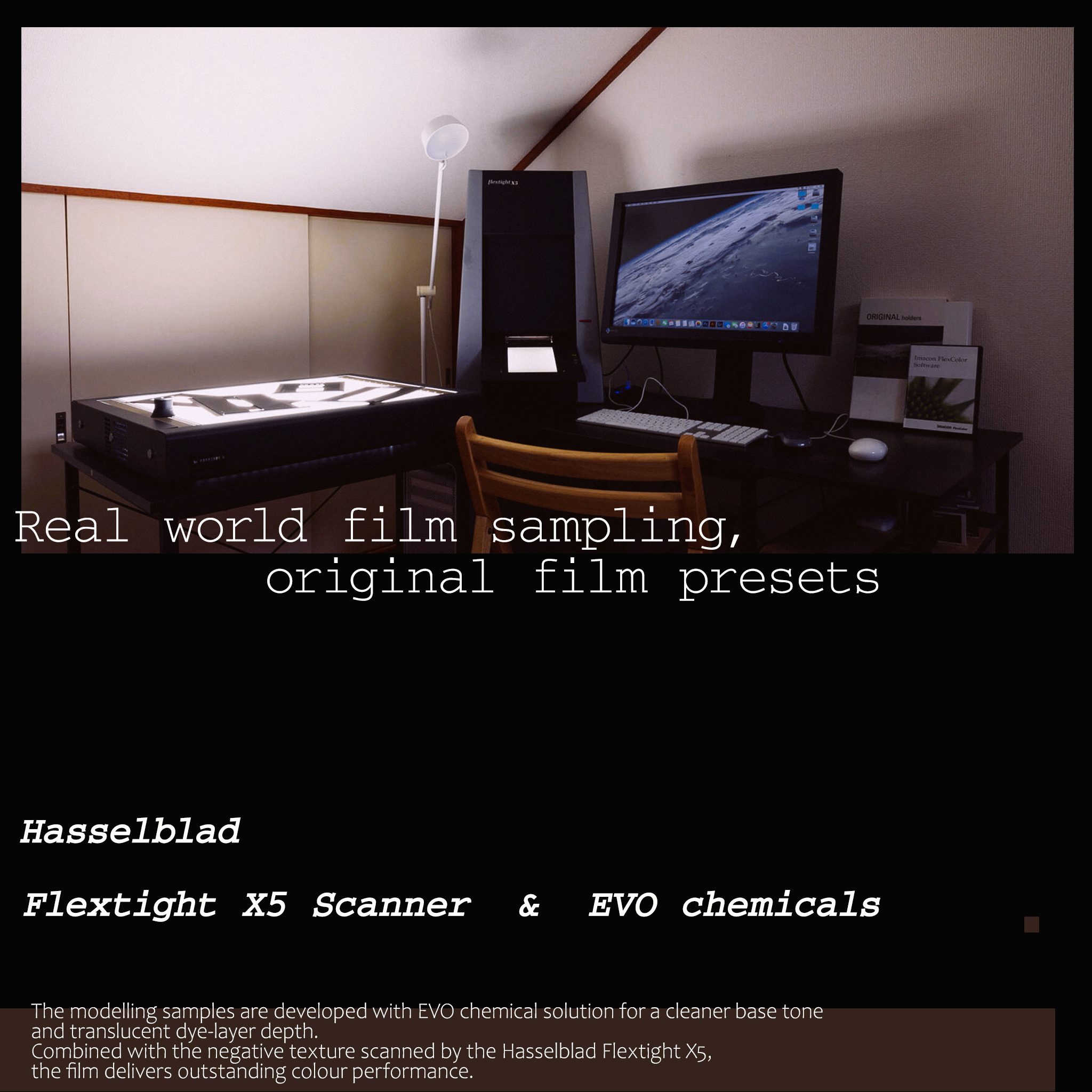
How the color is made
Real film. Real chemistry.
Graded by hand.
- 01Shot on real film
Every collection begins with real rolls exposed in real scenes — weddings, portraits, streets — not synthetic test charts.
- 02Developed with EVO chemistry
Negatives are processed with EVO chemistry for a clean base tone and translucent dye-layer depth.
- 03Scanned on the Hasselblad X5
The Hasselblad Flextight X5 records the negative's full texture and color response at reference quality.
- 04Corrected by hand
Each look is graded manually from those scans before it becomes a preset, LUT, or style.
Before / After comparison
The photograph first.
The color second.
Move the divider to compare the reconstructed before reference with the finished photograph.
Simulated reference: the original file is unavailable, so the left side is reconstructed from the finished photograph to show a flatter source reference. It is not an original or an actual before-preset image and is not a demonstration of preset performance. Finished photograph: the supplied final color is unchanged.
Included presets
Multiple films.
One portrait system.
This collection includes 11 presets, developed from multiple portrait films and individually graded for different skin tones, lighting conditions, and commercial portrait scenes.
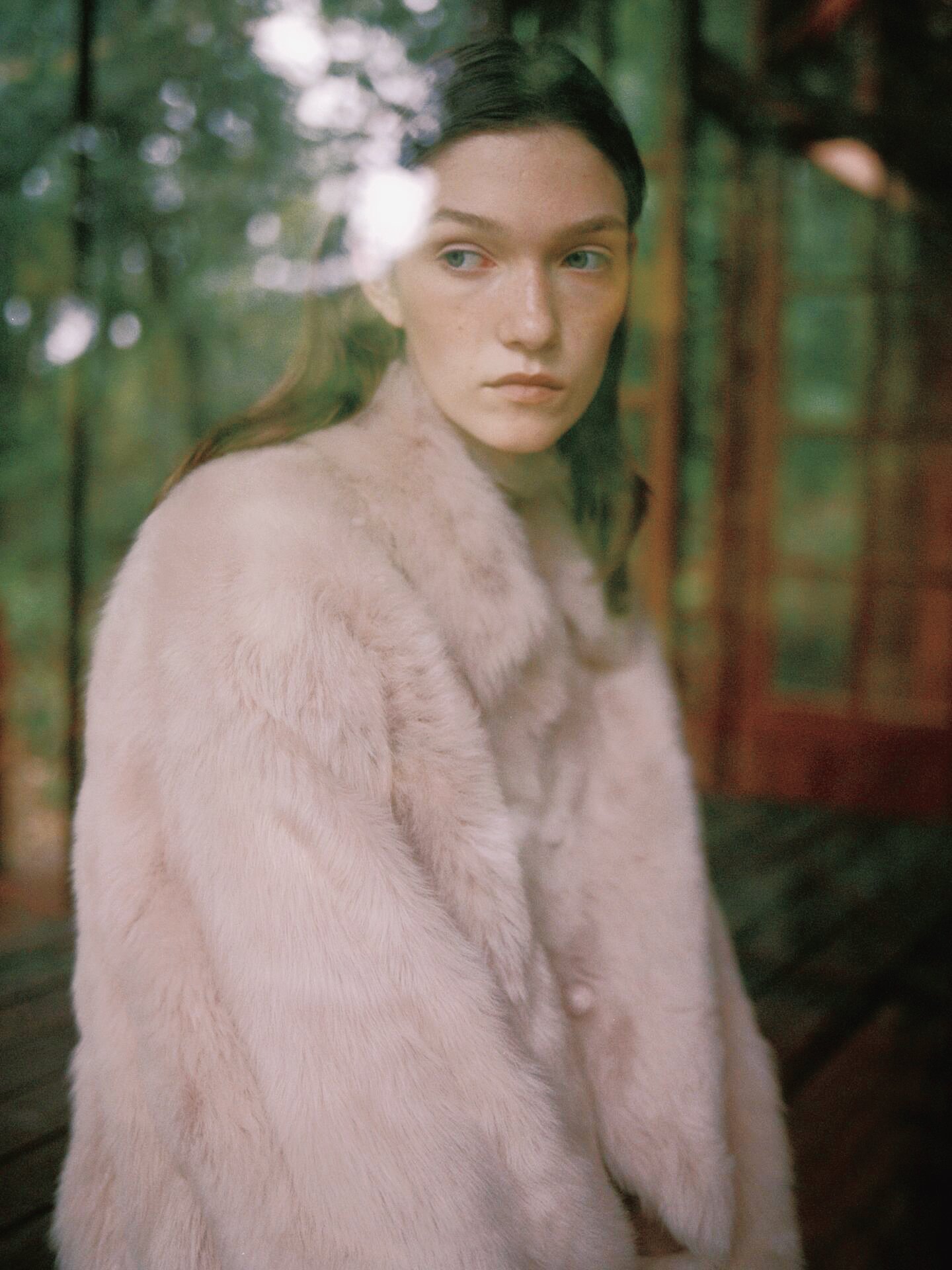
Portrait Film SuiteFuji C200Select a name to preview its finished photograph.
What you receive / Lightroom
One direction.
One clear ecosystem.
For Lightroom Classic, Lightroom, Adobe Camera Raw, and compatible photo LUT workflows. The customer ZIP includes concise English installation notes and checksums.
Adobe XMP
44 XMP records across the relevant RAW and JPEG/TIFF branches, with linked profiles where required.
Photo CUBE
22 LUT files in 33-point and 65-point sizes for compatible global photo color workflows.
English guide
Installation, branch selection, compatible Adobe applications, LUT use, and checksum verification.
Lightroom edition / one-time purchase
Portrait Film Suite
Buy this Lightroom edition securely through Paddle, or compare the complete collection first.
After payment, return to the LUMENO COLOR order confirmation page to download your ZIP. The PDF in the Paddle email is your receipt, not the preset files. If you close the page, recover your downloads with that receipt number and your checkout email.
Continue exploring / Lightroom
Related directions.
Collections with a shared scene or a neighboring color intention, kept inside the same ecosystem.